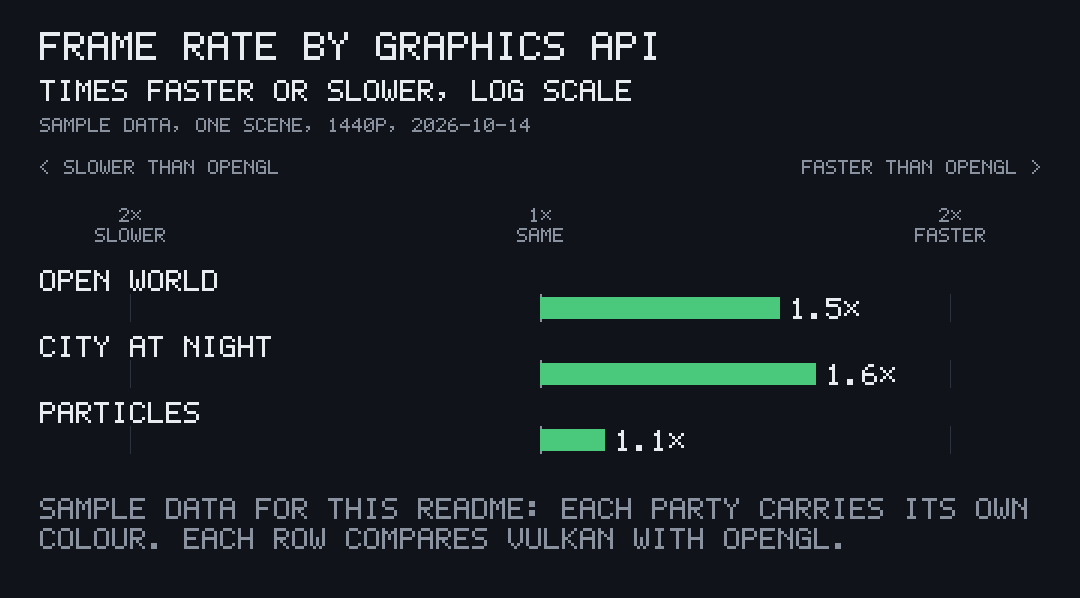
Pick the colours
Every party has a colour, and the legend and its bars follow it. Without one, the first four parties take orange, blue, grey and white, in that order.
Set a colour
Section titled “Set a colour”A party’s colour is any #RRGGBB:
title = "FRAME RATE BY GRAPHICS API"unit = "FRAMES PER SECOND"better = "higher"subtitle = "SAMPLE DATA, ONE SCENE, 1440P"date = "2026-10-14"suffix = " FPS"decimals = 0versus = "OPENGL"notes = ["SAMPLE DATA FOR THIS README: EACH PARTY CARRIES ITS OWN COLOUR. EACH ROW COMPARES VULKAN WITH OPENGL."]
[[parties]]name = "VULKAN"colour = "#C678DD"
[[parties]]name = "METAL"colour = "#E5C07B"
[[parties]]name = "DIRECTX 12"colour = "#56B6C2"
[[parties]]name = "OPENGL"colour = "#8A92A0"
[[rows]]label = "OPEN WORLD"values = [144, 138, 141, 96]
[[rows]]label = "CITY AT NIGHT"values = [118, 121, 115, 74]
[[rows]]label = "PARTICLES"values = [210, 196, 204, 188]
$ pcmp frames.toml --kind pairedframes-paired.png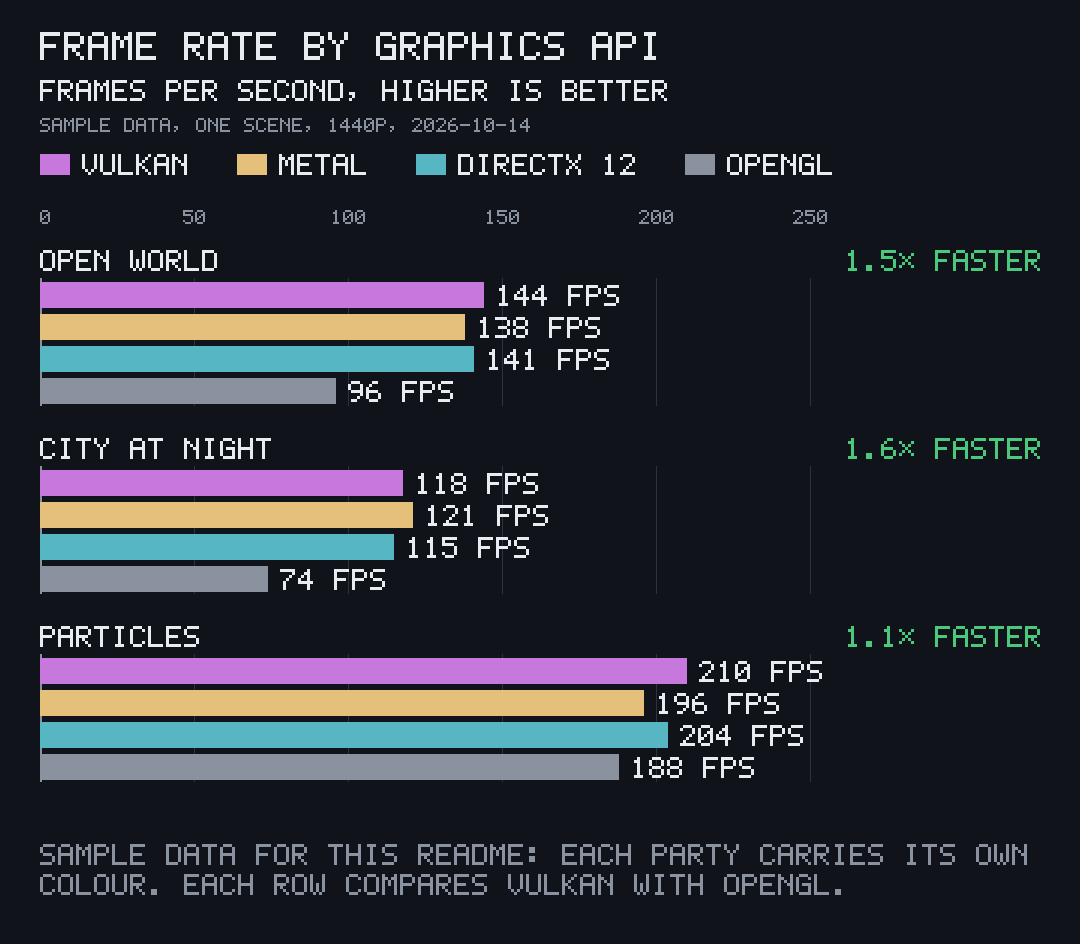
Use a role
Section titled “Use a role”In place of a hex colour, a party can name one of the chart’s own colours:
| Role | Colour | Default for |
|---|---|---|
ours |
orange | the first party |
theirs |
blue | the second party |
dim |
grey | the third party |
text |
white | the fourth party |
faster |
green | |
slower |
red |
[[parties]]name = "PARSER V2"colour = "ours"The ratio chart keeps its green for faster and red for slower whatever the parties’ colours are, so a win reads the same on every chart.