Install
prec runs on Linux (x86_64), on Windows through WSL, and on macOS (Apple Silicon). Each release carries a Linux and a macOS binary with a SHA256SUMS file. There is no native Windows build: install the Linux binary inside WSL. On macOS the binary is built and its tests pass on GitHub’s runner; renders on a Mac are untested.
The binary
Section titled “The binary”Linux and WSL:
v=$(basename "$(curl -fsSLo /dev/null -w '%{url_effective}' https://github.com/gmrdad82/prec/releases/latest)")mkdir -p ~/.local/bin && curl -fsSL "https://github.com/gmrdad82/prec/releases/download/$v/prec-$v-linux-x86_64.tar.gz" | tar -xz -C ~/.local/bin precmacOS (Apple Silicon):
v=$(basename "$(curl -fsSLo /dev/null -w '%{url_effective}' https://github.com/gmrdad82/prec/releases/latest)")mkdir -p ~/.local/bin && curl -fsSL "https://github.com/gmrdad82/prec/releases/download/$v/prec-$v-macos-arm64.tar.gz" | tar -xz -C ~/.local/bin prec~/.local/bin needs to be on your PATH. To check a download, fetch SHA256SUMS from the same release and run sha256sum -c --ignore-missing SHA256SUMS beside the .tar.gz.
From source, with Rust 1.97 or newer (replace vX.Y.Z with a release tag):
cargo install --locked --git https://github.com/gmrdad82/prec --tag vX.Y.Z precprec --version prints prec <x.y.z>.
Prerequisites
Section titled “Prerequisites”prec drives tools you install yourself:
- Chromium or Google Chrome, run headless (
chromium,chromium-browser,google-chrome-stableorgoogle-chromeon thePATH, orchromiumin the config). - ffmpeg and ffprobe with the
libx264encoder and thezscalefilter (libzimg). - fontconfig (
fc-match,fc-list), the default font JetBrainsMono Nerd Font (or pass--font), and a CJK font for wide characters. - git and bash.
On Debian or Ubuntu:
sudo apt install chromium ffmpeg fontconfig fonts-noto-cjk gitOn Arch:
sudo pacman -S chromium ffmpeg fontconfig noto-fonts-cjk ttf-jetbrains-mono-nerd gitOn macOS with Homebrew, then point chromium in the config at /Applications/Chromium.app/Contents/MacOS/Chromium:
brew install ffmpeg fontconfig gitbrew install --cask chromium font-jetbrains-mono-nerd-fontThe JetBrainsMono Nerd Font is also at nerdfonts.com.
Check the machine
Section titled “Check the machine”prec doctor checks all of it and says what is missing. Here it is on an Arch Linux machine with everything in place and no config file (the home folder is shortened to ~):
$ prec doctorok config ~/.config/prec/config.toml (absent; the defaults apply)ok ffmpeg /usr/bin/ffmpegok ffprobe /usr/bin/ffprobeok fc-match /usr/bin/fc-matchok git /usr/bin/gitok chromium /usr/bin/chromium: Chromium 152.0.7977.82 Arch Linuxok xterm.js xterm.js 5.5.0, addon-canvas 0.7.0, addon-unicode11 0.8.0, embeddedok themes 348 vendored from VHS v0.11.0ok ffmpeg encoder libx264 presentok archive root none configured; renders are never archivedok ffmpeg filter format presentok ffmpeg filter blend presentok ffmpeg filter concat presentok ffmpeg filter zscale presentok ffmpeg filter setparams presentok default font JetBrainsMono Nerd Font (/usr/share/fonts/TTF/JetBrainsMonoNerdFont-Regular.ttf)ok CJK fallback WDXL Lubrifont TC,WDXL 滑油字 TCopt libfaketime (optional) absent; apps pin their own clock through [env]ok cache ~/.cache/prec (270 B)Start in 30 seconds
Section titled “Start in 30 seconds”This repository carries a sample app, examples/demo, with three shots. Clone it and record one:
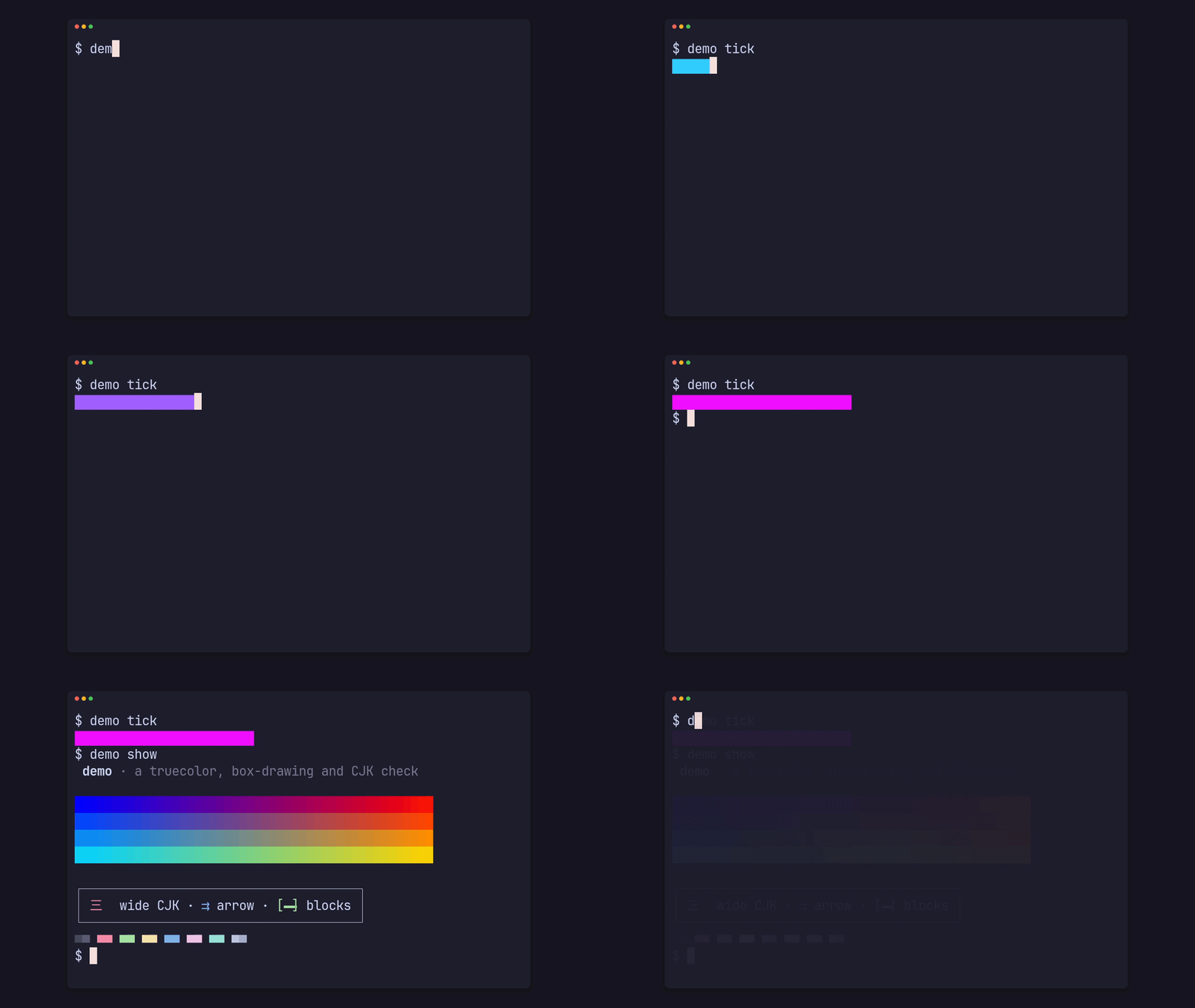
git clone https://github.com/gmrdad82/prec && cd precprec clip demo typing --app-dir examples/demo --size 720p --fps 30recording demo typing in a 60x16 pty…recorded 3.80s shown, 284 events → tmp/prec/run/demo-clip-typing-cast-338683/demo-clip-typing.castreplaying demo typing: 114 frames at 1280x720@30…archive: skipped (unconfigured)tmp/renders/demo/clip/demo-clip-typing-1280x720-30fps.jsonThat writes tmp/renders/demo/clip/demo-clip-typing-1280x720-30fps.master.mp4, its poster PNG, the cast and the JSON manifest whose path it prints last. Record your first clip walks through each file, and Make a GIF turns the master into the clip below.