
Migrate an older file
Every file names its format version on its first line. A file without format is format 0. Reading it migrates it in memory and warns once (old-format), with every finding pointing into the file as written, so an older project keeps loading. A newer format than the crate knows is refused, naming the version it knows (newer-format).
Rewrite a file on disk
Section titled “Rewrite a file on disk”The scene-write example’s migrate rewrites a file as format 1:
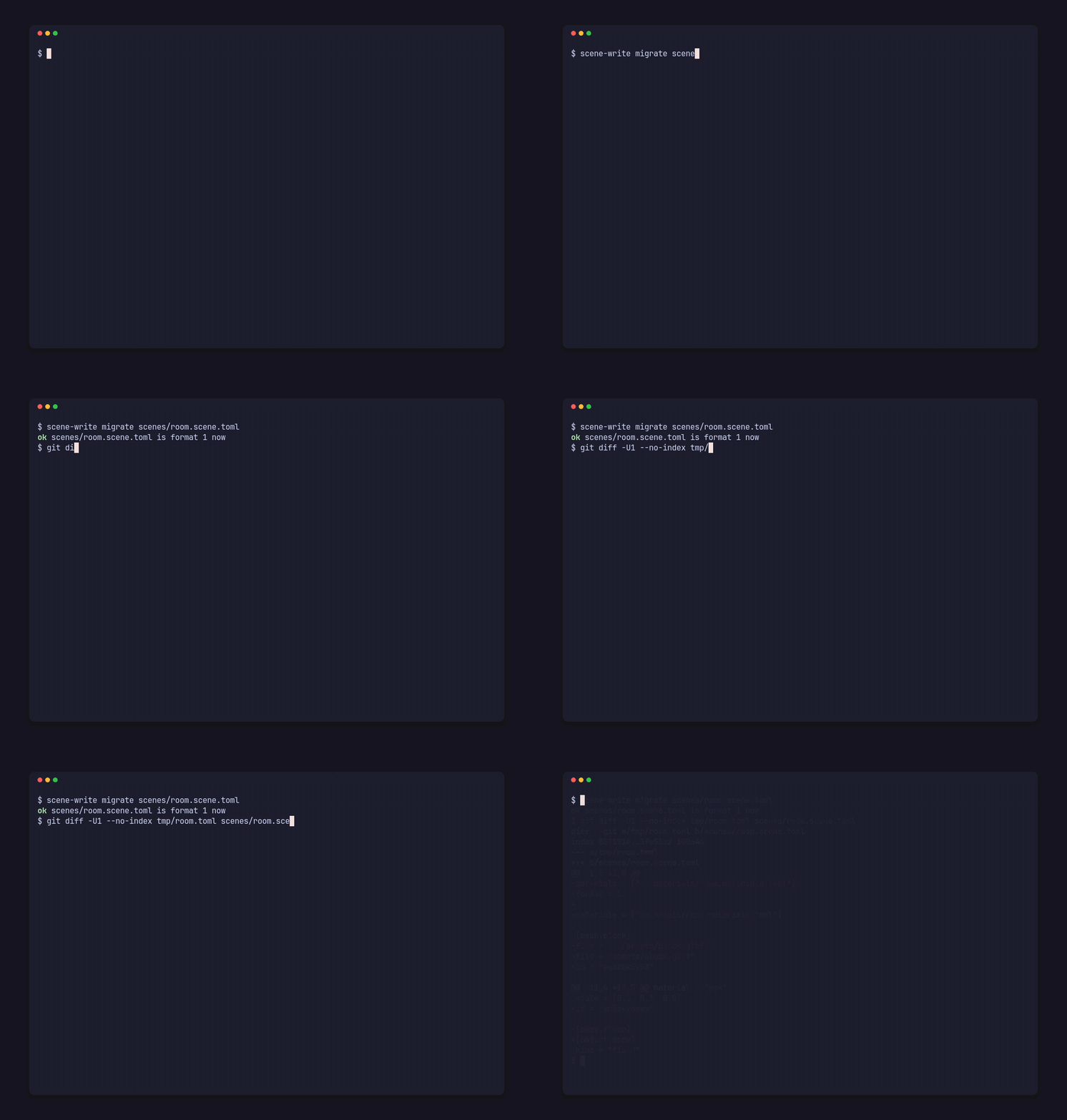
scene-write migrate scenes/room.scene.tomlok scenes/room.scene.toml is format 1 nowOn a format 0 copy of the demo’s scene, the diff starts:
@@ -1,5 +1,8 @@-materials = ["../materials/room.materials.toml"]+format = 1++materials = ["materials/room.materials.toml"]
 [mesh.block]-file = "../assets/block.gltf"+file = "assets/block.gltf"+id = "eqazbk5y03"
@@ -11,4 +14,5 @@ scale = [8.0, 0.1, 8.0]+id = "ym5syy6wws"
-[body.floor]+[object.body] kind = "fixed"
From format 0 to 1, the migration:
- adds
format = 1on the first line; - rewrites each path from relative to its file to relative to the project root;
- renames
[[object]] idtopick; - moves each
[body.<object>]into its object as[object.body]; - writes a derived
idinto every entry that can be referenced.
Comments, spacing and key order are kept, as for every edit.
From code
Section titled “From code”Project::migrate returns the file’s text migrated to format 1, or the diagnostics of the steps that can’t run; you choose where to write it. A format 1 file comes back as it is.
use std::path::Path;
use pfx_scene::Project;
fn main() {    let project = Project::open(Path::new("my-game")).unwrap();    match project.migrate(Path::new("scenes/old.scene.toml")) {        Ok(text) => std::fs::write("my-game/scenes/old.scene.toml", text).unwrap(),        Err(findings) => {            for finding in findings {                eprintln!("{finding}");            }        }    }}
pfx_scene::migrate(text, file, root, kind) does the same on a text you hold. A path that would leave the project root can’t migrate, and a body whose object is in another file has to be moved by hand; each is reported at its key. A lone scene with no project.toml has its own folder as its root, so give it a project.toml at the folder that holds every file it reads before migrating it.