
Film a camera path
A camera with a path turns into frames with manfred clip, drawn live or path-traced, and into a video when an encoder is there.
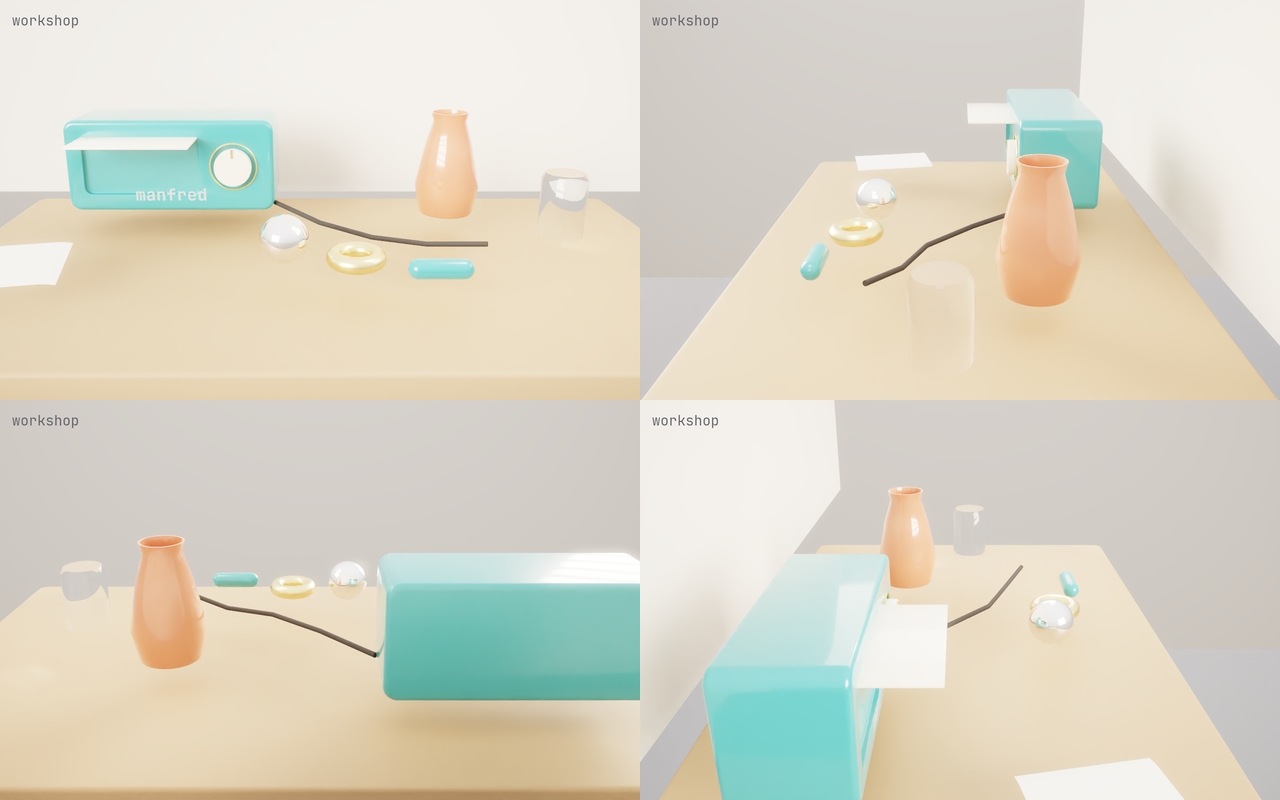
Give a camera a path
Section titled “Give a camera a path”[camera.path] belongs to the [[camera]] written last above it. An orbit turns about the vertical line through target:
[[camera]]name = "orbit"position = [0.0, 0.4, 1.0]target = [0.0, 0.1, 0.0]fov_y_deg = 34.0
[camera.path]kind = "orbit"target = [0.0, 0.1, 0.0]turns = 1.0rise_deg = 8.0
Keys move the camera from pose to pose over time t from 0 to 1:
[camera.path]kind = "keys"ease = "smooth"
[[camera.path.keys]]t = 0.5position = [0.4, 0.3, 0.5]target = [0.0, 0.03, -0.02]
[[camera.path.keys]]t = 1.0position = [0.0, 0.6, 0.1]target = [0.0, 0.0, -0.05]
Without a key at 0, the camera’s own pose is the key at 0. ease is linear (the default) or smooth.
Make the frames
Section titled “Make the frames”manfred clip showcase/workshop.toml --camera orbit --frames 120 --fps 30 --size 1280x800 --out orbitmanfred clip showcase/workshop.toml --camera orbit --frames 120 --fps 30 --size 1280x800 --out traced --trace --spp 32The first draws each frame on the live renderer; --trace path-traces them (64 samples a frame by default). Frames are written as frame-0000.png, frame-0001.png… and each finished frame is printed on stdout.
- An orbit loops: frame
iofNis ati / N, so a whole number of turns repeats no frame. Keys end on their last key. - A run resumes: a frame is written whole or not at all, and a second run into the same folder skips the finished frames. A run with different settings into that folder is refused, so frames never mix.
- Same input, same bytes: each frame depends on its pose, the recipe and the flags only.
Make the video
Section titled “Make the video”manfred clip showcase/workshop.toml --camera orbit --frames 120 --fps 30 --size 1280x800 --out orbit --video orbit.webmWith pconv on the PATH, --video encodes the frames into a .webm (VP9). Use .webm: pconv 0.14 refuses the clip’s RGBA frames for an .mp4. Without pconv, the frames and a frames.ffconcat list stay in the folder and the command exits 1; any encoder makes the video from the list:
ffmpeg -f concat -i orbit/frames.ffconcat -r 30 -pix_fmt yuv420p orbit.mp4The list holds each frame for exactly its share of a second, so the video has every frame once.