
pito-sync
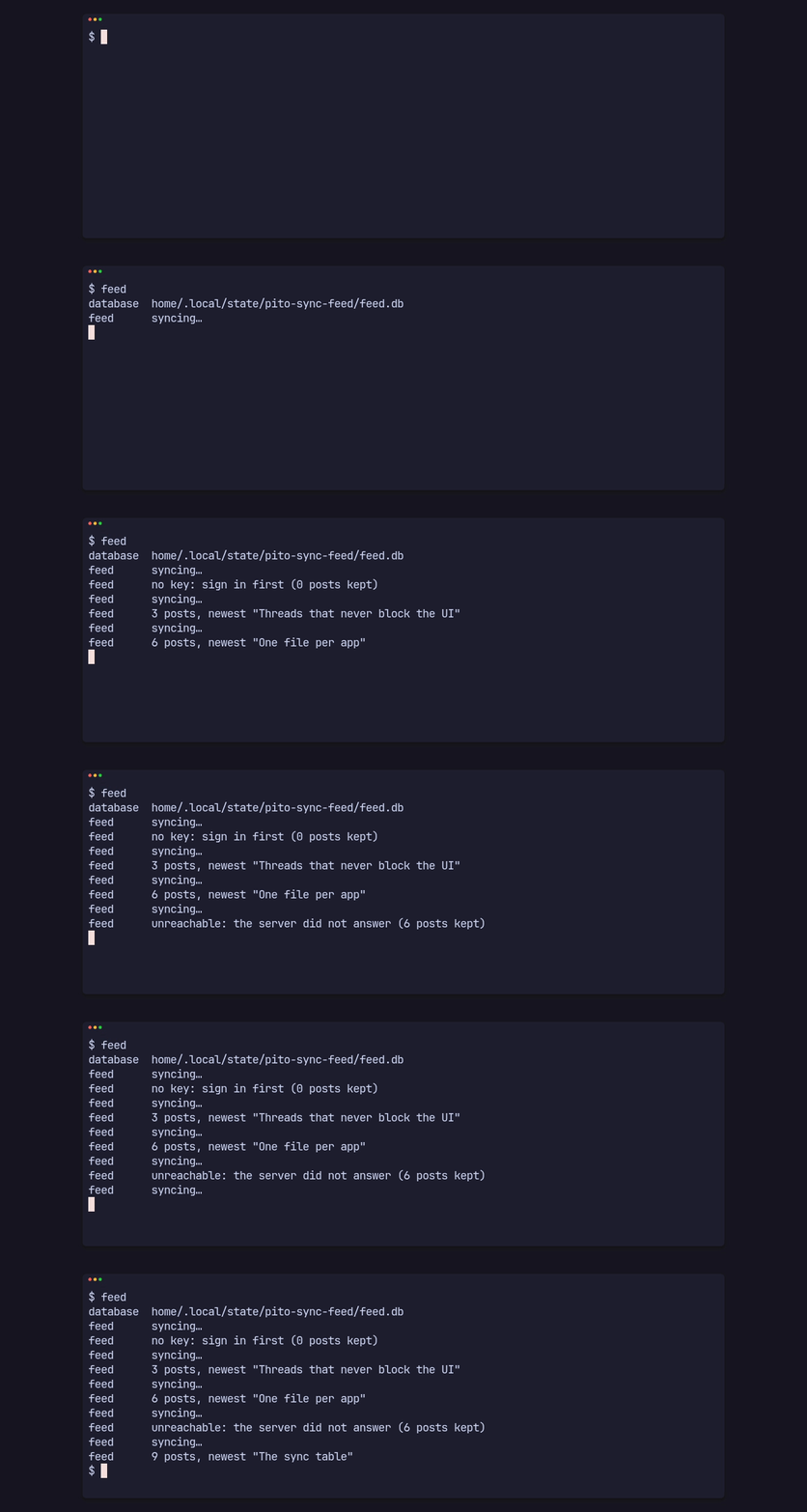
pito-sync is a small Rust crate for apps whose UI reads a local SQLite file while background sources keep it up to date. It is part of PITO MD. The UI never waits on the network. It reads its own database, and each source syncs data into it on its own thread and says when something changed.
A UI read takes 47 µs while a source rewrites 10,000 rows back to back, and its p99 stays at 0.19 ms. The same code on SQLite’s defaults has a p99 of 1.23 s. It is 569 lines of Rust with one dependency.
It works on Linux and macOS, and on Windows through WSL.
At a glance
Section titled “At a glance”| What | Measured |
|---|---|
| A UI read (a page of 50 rows and the sync row), writer idle | 8.6 µs median |
| The same read while a source commits 10,000-row passes back to back | 46.8 µs median, 0.19 ms p99, 2.84 ms slowest |
| The same read and writer on SQLite’s defaults | 73.5 µs median, 1.23 s p99 and slowest |
Resync to its closing Changed, through the source’s thread |
33.0 µs median, 0.74 ms p99 |
| A pass writing 10,000 rows in one transaction | 3.61 ms, 2.77 million rows a second |
open of an existing database |
74.0 µs |
open of a new one: its folder, the file and the schema, once per install or schema version |
144 ms |
| Library code | 569 lines of Rust in src/, tests aside |
| Dependencies | one, rusqlite 0.40 with SQLite compiled in; 9 crates in all |
A whole app with SQLite inside (the feed example, release build) |
3.0 MB |
These numbers come from one run of examples/numbers.rs on 2026-10-14, in a
release build on an AMD Ryzen 9 9950X under Linux, with the database on btrfs.
The machine was busy with other builds at the time, so they are numbers under
load. Measure on your machine shows how to get your own.
How it fits together
Section titled “How it fits together”- An app describes its database with a
Spec: the path, a version, and theCREATEstatements of its tables. The crate adds one table of its own,sync. - A source fetches data from somewhere and writes it.
spawnruns it on its own thread with its own connection, and each pass writes its rows and itssyncrow in one transaction. - The UI only reads, through a read-only connection. A source sends a
Changedwhen a pass starts and again when it ends, and the UI reads again. - The app sends a source a
Resyncwhen the user asks for fresh data, and aSecretwhen it gets a token or a key after start.
Where to go next
Section titled “Where to go next”- Install the crate and run the example.
- Write a source, then read from the UI.
- The API reference lists every type and function, and formats describes what the crate writes to disk.