
Find the app's folders
storekit::paths::App names an app’s folders from two strings:
use storekit::paths::App;
const APP: App = App { folder: "notes", env_prefix: "NOTES" };
Where they are
Section titled “Where they are”| Linux and WSL | macOS | |
|---|---|---|
APP.config_dir() |
~/.config/notes |
~/Library/Application Support/notes |
APP.data_dir() |
~/.local/share/notes |
~/Library/Application Support/notes |
APP.db_path("notes.db") |
~/.local/share/notes/notes.db |
~/Library/Application Support/notes/notes.db |
On Linux they follow XDG_CONFIG_HOME and XDG_DATA_HOME when those are set.
A debug build appends -dev to the folder (APP.folder() returns
notes-dev), so trying a change never touches a release build’s data.
Override them
Section titled “Override them”| Variable | Overrides |
|---|---|
NOTES_DATA |
data_dir(), and so every path under it |
NOTES_DB |
db_path(..), the store’s file |
The prefix is env_prefix. For example, to run against a scratch copy:
NOTES_DATA=/var/tmp/notes-scratch cargo runThe files beside them
Section titled “The files beside them”| Call | Path |
|---|---|
token_path() |
config_dir()/token |
mcp_token_path() |
data_dir()/mcp-token |
crash_spool_dir() |
data_dir()/crash |
traces_dir() |
data_dir()/traces |
They only name the paths; nothing creates them.
storekit::paths::set_owner_only_permissions(path) makes a file 0600, for
a token. storekit::paths::tilde(path) shortens a path under the home folder
to ~/… for display.
See it run
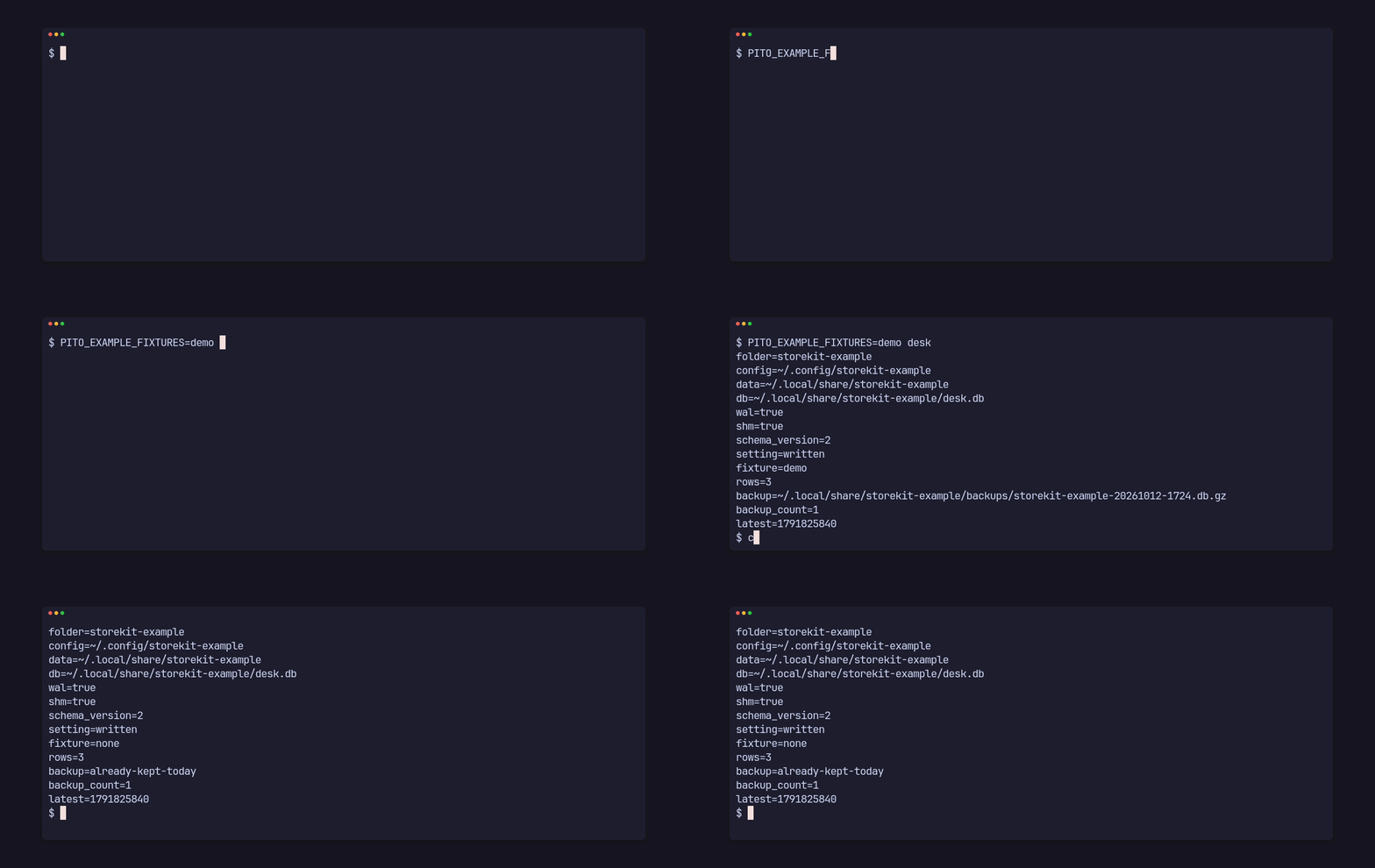
Section titled “See it run”The desk example in the repository prints its folders, opens and migrates
its store, sets a setting and keeps the day’s backup. It writes to your real
data folder (storekit-example-dev in a debug build), which you can delete
after.
git clone https://github.com/gmrdad82/pito-storekit && cd pito-storekitcargo run --example deskfolder=storekit-example-devconfig=~/.config/storekit-example-devdata=~/.local/share/storekit-example-devdb=~/.local/share/storekit-example-dev/desk.dbwal=trueshm=trueschema_version=2setting=writtenfixture=nonerows=0backup=~/.local/share/storekit-example-dev/backups/storekit-example-20261014-1901.db.gzbackup_count=1latest=1792004460Run it again the same UTC day and it prints backup=already-kept-today.