
What it refuses
renew lets nothing run or stay on disk unless the manifest’s signature verifies and the binary matches what was signed. The demo shows both refusals.
A manifest it didn’t sign
Section titled “A manifest it didn’t sign”cargo run --example demo -- --forged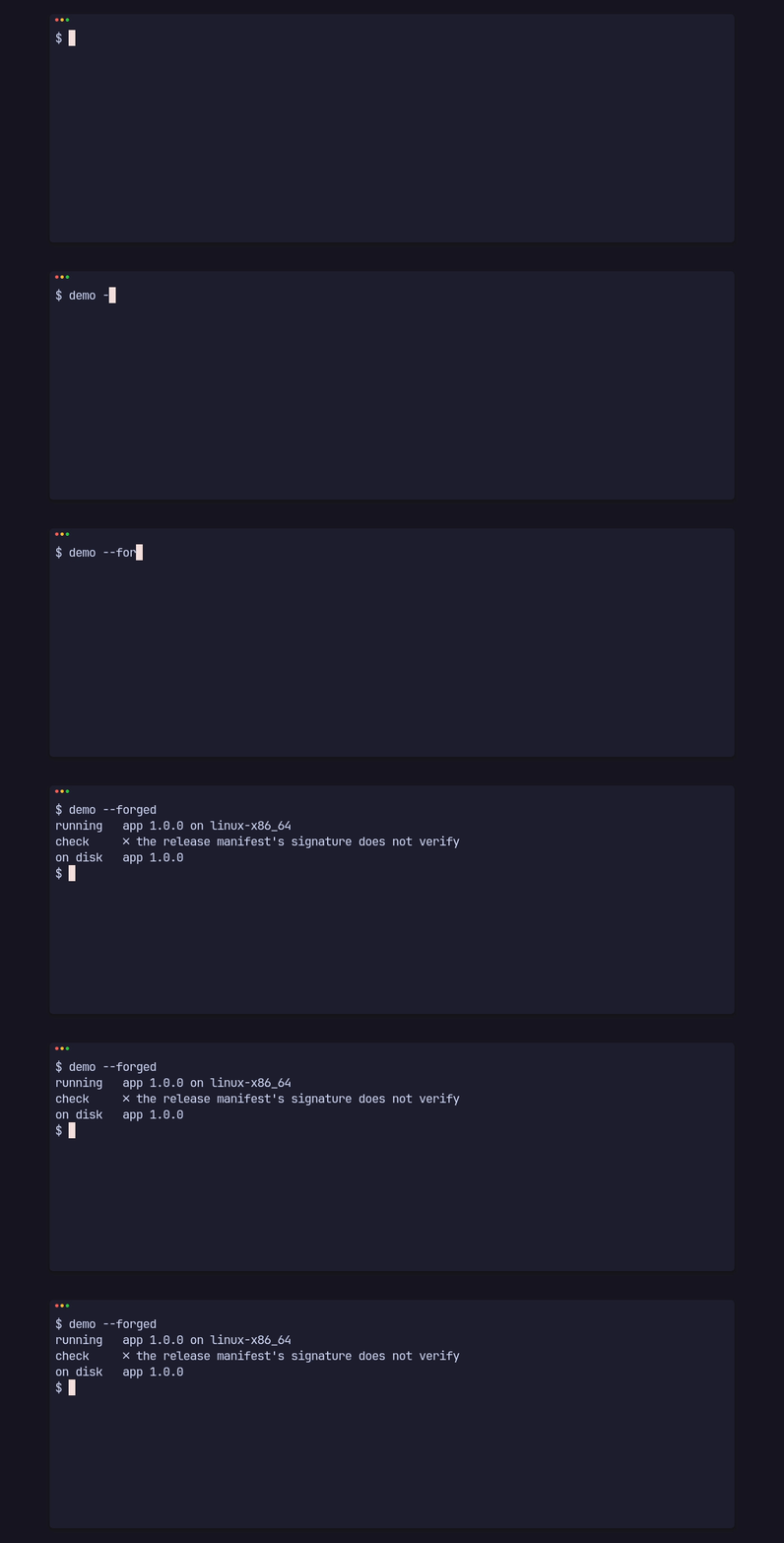
running app 1.0.0 on linux-x86_64check ✗ the release manifest's signature does not verifyon disk app 1.0.0The manifest is signed by a key the app doesn’t carry. check verifies the
signature over the exact bytes before it reads a single field, so a hijacked
host or a swapped manifest can’t point the app anywhere.
A binary that doesn’t match
Section titled “A binary that doesn’t match”cargo run --example demo -- --tamperedThe second half of the clip at the top of the overview: the server hands out other bytes of the same size.
running app 1.0.0 on linux-x86_64check 1.1.0 is out, 10 bytesinstall ✗ the downloaded binary failed verification: the checksum does not match the published oneon disk app 1.0.0leftover noneinstall stops as soon as more bytes arrive than were published, checks the
exact size and the sha256, and on any mismatch removes its staging file and
leaves the old binary where it was.
Every check
Section titled “Every check”Before reading the manifest, check refuses:
- a URL with plain http to any host but this machine, redirects included;
- a manifest over 1 MiB or a signature over 4 KiB;
- a public key that isn’t a minisign key;
- a missing signature, or one that doesn’t verify over the exact bytes.
Before downloading, it refuses:
- a sha256 that isn’t 64 hex digits;
- a published size of 0, or over 512 MiB (1 GiB for a macOS
appzip); - a manifest with no binary for this platform.
While installing, install refuses:
- plain http to any host but this machine, redirects included;
- to start when
<exe>.stagingalready exists, so it never writes through a planted file or link, or into another install’s download; - more bytes than were published, fewer, or a sha256 that differs.
For an app that runs from a macOS .app bundle, install also refuses:
- an entry with no
appbundle, rather than put a new executable inside a signed bundle; - a bundle or folder this user can’t write, before downloading anything;
- a running app with no Team ID to match;
- a zip that doesn’t hold exactly one
.appfolder; - a new bundle whose code signature doesn’t verify
(
codesign --verify --deep --strict), or whose Team ID or identifier differs from the running app’s.
And versions compare by semver, ignoring build metadata, so 1.2.0+rebuild
doesn’t reinstall over 1.2.0, and a replayed older manifest offers no
update.