
Ship a new major version
An app at 1.4.2 takes 2.0.0 like any other update. check also hands back
the release as new_major, so the app can tell the user.
cargo run --example demo -- --major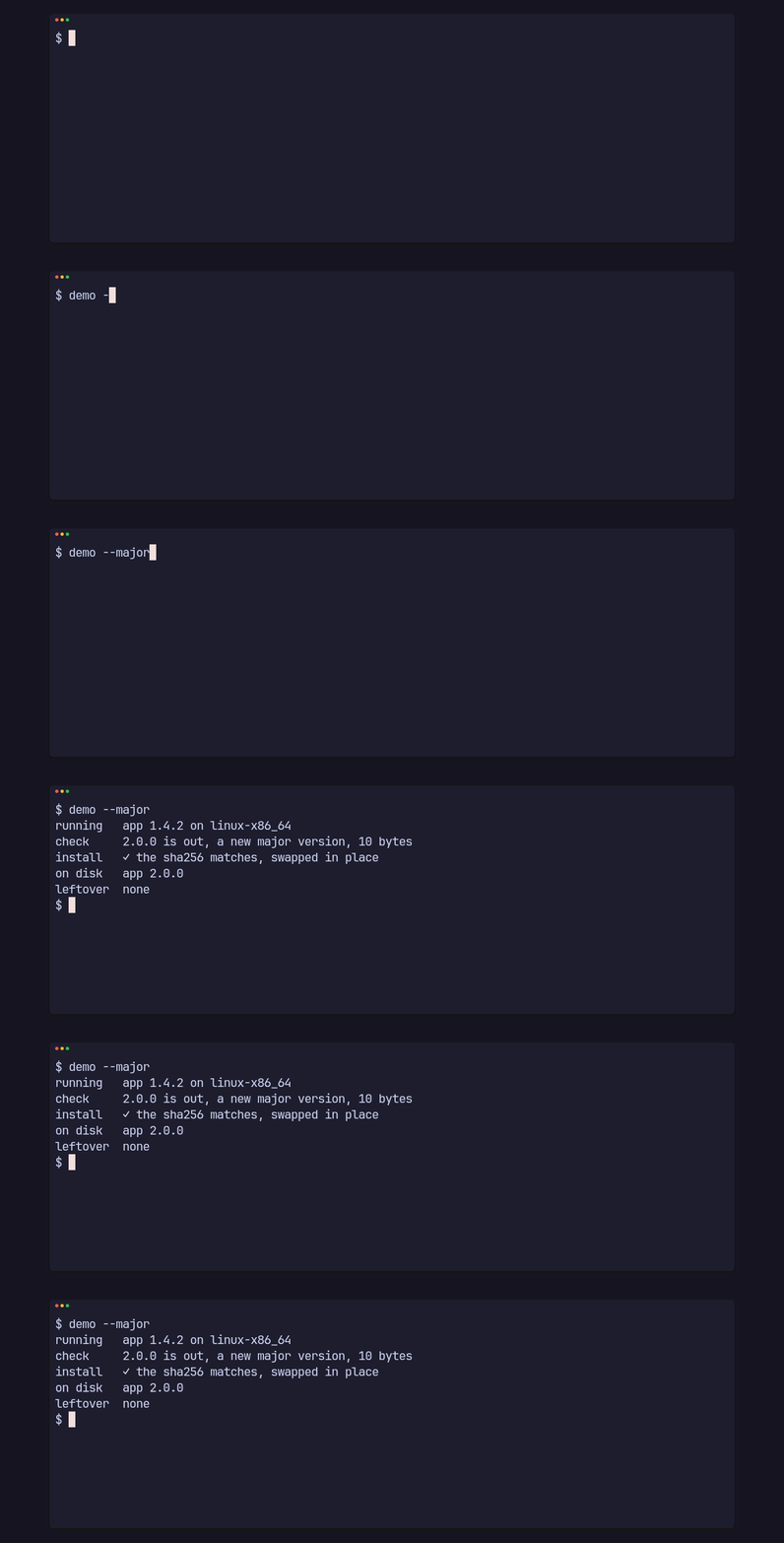
running app 1.4.2 on linux-x86_64check 2.0.0 is out, a new major version, 10 bytesinstall ✓ the sha256 matches, swapped in placeon disk app 2.0.0leftover noneTell the user
Section titled “Tell the user”let check = renew::check(MANIFEST_URL, RELEASE_KEY, env!("CARGO_PKG_VERSION"))?;if let Some(update) = &check.update { if check.new_major.is_some() { println!("{} is a new major version", update.version); }}new_major is the same release as update when its major is above the
running one, and None otherwise. The app decides what to do with it: say
so, ask first, or install it like any update.
A new major without some platform’s binary
Section titled “A new major without some platform’s binary”If 2.0.0 ships for Linux only, apps on macOS would find no binary for their
platform in the newest release. List the newest release of each older major
under releases, and they keep getting their own major’s updates:
{ "version": "2.0.0", "platforms": { "linux-x86_64": { "url": "…", "sha256": "…", "size": 11534336 } }, "releases": [ { "version": "1.5.1", "platforms": { "macos-arm64": { "url": "…", "sha256": "…", "size": 9437184 } } } ]}An app at 1.4.2 on macOS gets update = 1.5.1 and new_major = None. On
Linux it gets 2.0.0 and new_major = 2.0.0. When a later major has no
binary for the platform, update falls back to the newest release of the
running major; if that release has no binary for the platform either, check answers NoPlatformBinary. The whole manifest is signed as one file, as
Sign and publish a release shows.