
Make your first game
A game on pfx is its own repository and one binary. pfx new scaffolds it, cargo run plays it and <game> edit opens it in the editor. This page walks that path with the pfx tool installed (Install and first use).
Scaffold it
Section titled “Scaffold it”pfx new writes into an existing, empty repository folder and never creates the repository itself:
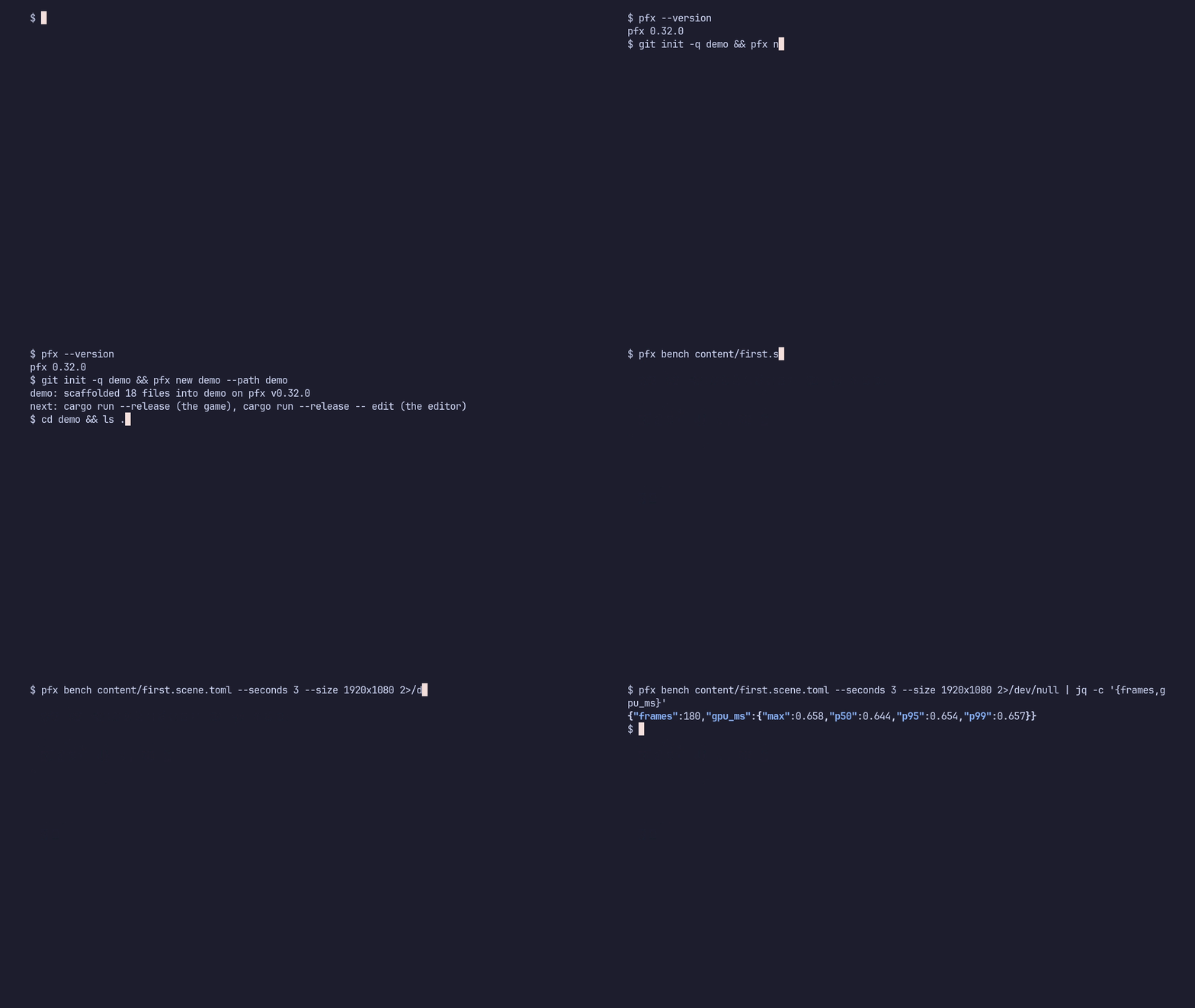
$ git init my-game$ pfx new my-gamemy-game: scaffolded 18 files into my-game on pfx v1.0.0next: cargo run --release (the game), cargo run --release -- edit (the editor)The game pins the engine’s crates at the tag the pfx tool was built from:
[dependencies]pfx-game = { git = "https://github.com/gmrdad82/pfx.git", tag = "v1.0.0" }pfx-project = { git = "https://github.com/gmrdad82/pfx.git", tag = "v1.0.0" }pfx-editor = { git = "https://github.com/gmrdad82/pfx.git", tag = "v1.0.0", optional = true }The files it writes:
Cargo.toml the package, with the tools feature on by defaultproject.toml the project: its first scene and what the editor selectssrc/lib.rs the game: MyGame implements pfx_game::Game, doing nothing yetsrc/main.rs hands the game to the launcher, with `edit` opening the editortests/first.rs a GPU test of the first frame, ignored by defaultcontent/first.scene.toml the empty world: a grid, pfx's mark, a light and a cameracontent/prefabs/ the mark and wordmark as one groupcontent/materials/ the grid's, the axes' and the mark's materialscontent/meshes/ badge.glb, wordmark.glb and grid.glbcontent/fonts/ IBM Plex Mono and its licenceEvery file is described in Projects: one binary per game.
Play it and edit it
Section titled “Play it and edit it”cd my-gamecargo run --releasecargo run --release -- editThe first build compiles the engine’s crates. cargo run --release opens the game’s window; edit opens the same project in the editor, where F5 plays the game’s own logic and every change is written back into the scene’s TOML (pfx edit). The game’s logic goes in src/lib.rs, in start and tick (The game runtime); its content is data under content/ (Scenes as data).
Measure it
Section titled “Measure it”pfx bench plays the first scene headless, with no window, and prints the frame times as one JSON line. Here at 4K for 5 seconds, on an AMD Radeon RX 9060 XT under Linux:
$ pfx bench content/first.scene.toml --seconds 5 --size 3840x2160 --stats tmp/bench/first.jsonl{"bench":true,"camera":{"at":[2.5,1.65,4.0],"look_at":[0.0,0.495,0.0]},"dropped":0,"frames":300,"gpu_ms":{"max":2.78,"p50":2.608,"p95":2.721,"p99":2.768},"inputs":0,"over_16_67":0,"scene":"content/first.scene.toml","schema_version":1,"seed":0,"sim_ms":{"max":0.26,"p50":0.029,"p95":0.075,"p99":0.102},"size":[3840,2160],"stats":"tmp/bench/first.jsonl","submit_ms":{"max":3.135,"p50":0.761,"p95":1.035,"p99":1.223},"ticks":300}The empty world costs 2.6 ms of GPU time a frame at the median, out of the 16.7 ms a 60 fps frame allows. Benchmark a scene reads the rest of the line.
Ship it
Section titled “Ship it”The Steam build is the same binary without the tools feature, so it carries no editor: cargo build --release --no-default-features. Steam stages its depots, and Windows covers the Windows build that Linux and the Steam Deck run through Proton.